
Richard Mendes
August 21, 2026 • 5 minsOpenRouter + Aider : How to Set Up AI Coding with Any Model
Aider with OpenRouter: Complete Setup Guide for AI Coding
OpenRouter Setup with Aider
In this guide, you'll learn how to set up OpenRouter with Aider, connect your API key, and choose the right AI model for coding.
Step 1: Install Aider
Install Aider on your computer to use OpenRouter models directly from your terminal.

Step 2: Verify the Installation
Once Aider is installed, verify that it was installed successfully by running the following command in your terminal:
If the installation is successful, Aider will display its current version number.
Step 3: Set Your OpenRouter API Key
After installing Aider, add your OpenRouter API key in the terminal.
Replace YOUR_KEY_HERE with your actual OpenRouter API key.
Step 4: Select Your AI Model
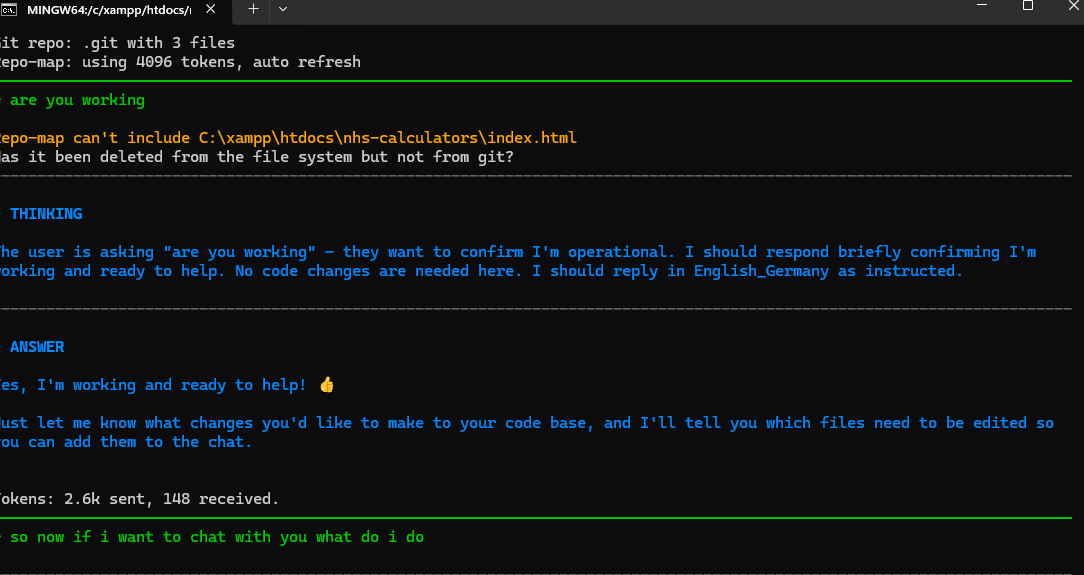
Launch Aider with your preferred OpenRouter model. For example:
You can replace stealth/ox-alpha with any other model available on OpenRouter.